Stop Hunting for Design Assets Everywhere: Full Pikbest Guide — Posters, PPT, Music & Sound Effects in One Place
Tired of opening ten tabs to find a poster template, a PPT deck, and royalty-free background music? Here's a full walkthrough of Pikbest — 3.5M+ design resources, e-commerce templates, royalty-free audio, and tutorial videos — with a step-by-step guide and licensing notes. (Includes my affiliate link)
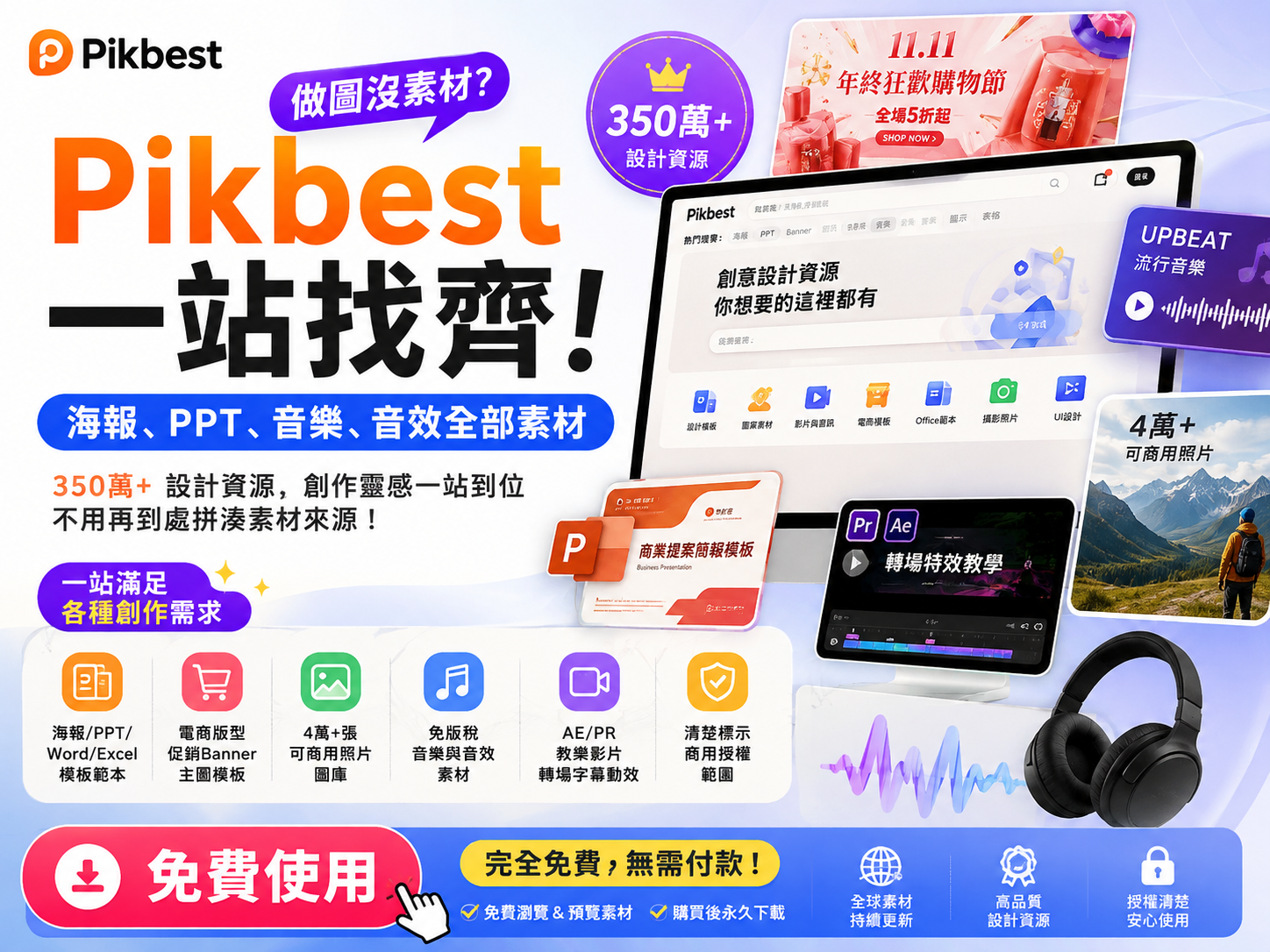
Ever been stuck because a client needs a poster or a pitch deck by tomorrow, and half your time goes into hunting down assets instead of actually designing? For me, the bottleneck was never the design work itself — it was "where do I even find this stuff": one site for stock photos, another for PPT templates, another tab for royalty-free music. Constantly switching tabs got exhausting.
That's why I started using Pikbest — it bundles nearly every asset type I regularly need into one site, so I finally stopped the tab-juggling habit. Here's a full walkthrough.
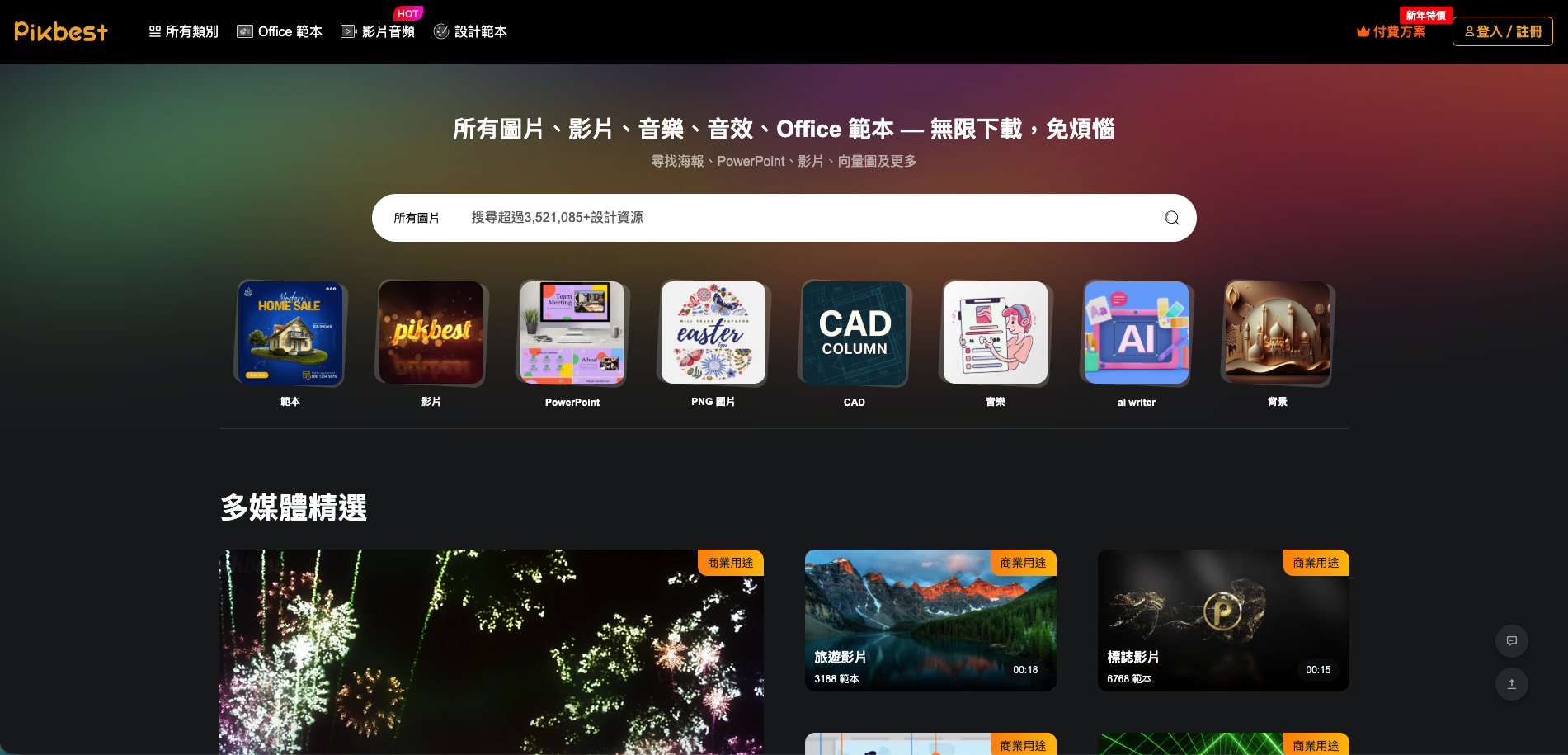
What's actually on Pikbest?
The homepage sums it up: photos, videos, music, sound effects, and Office templates — unlimited downloads. Here's what I use most:
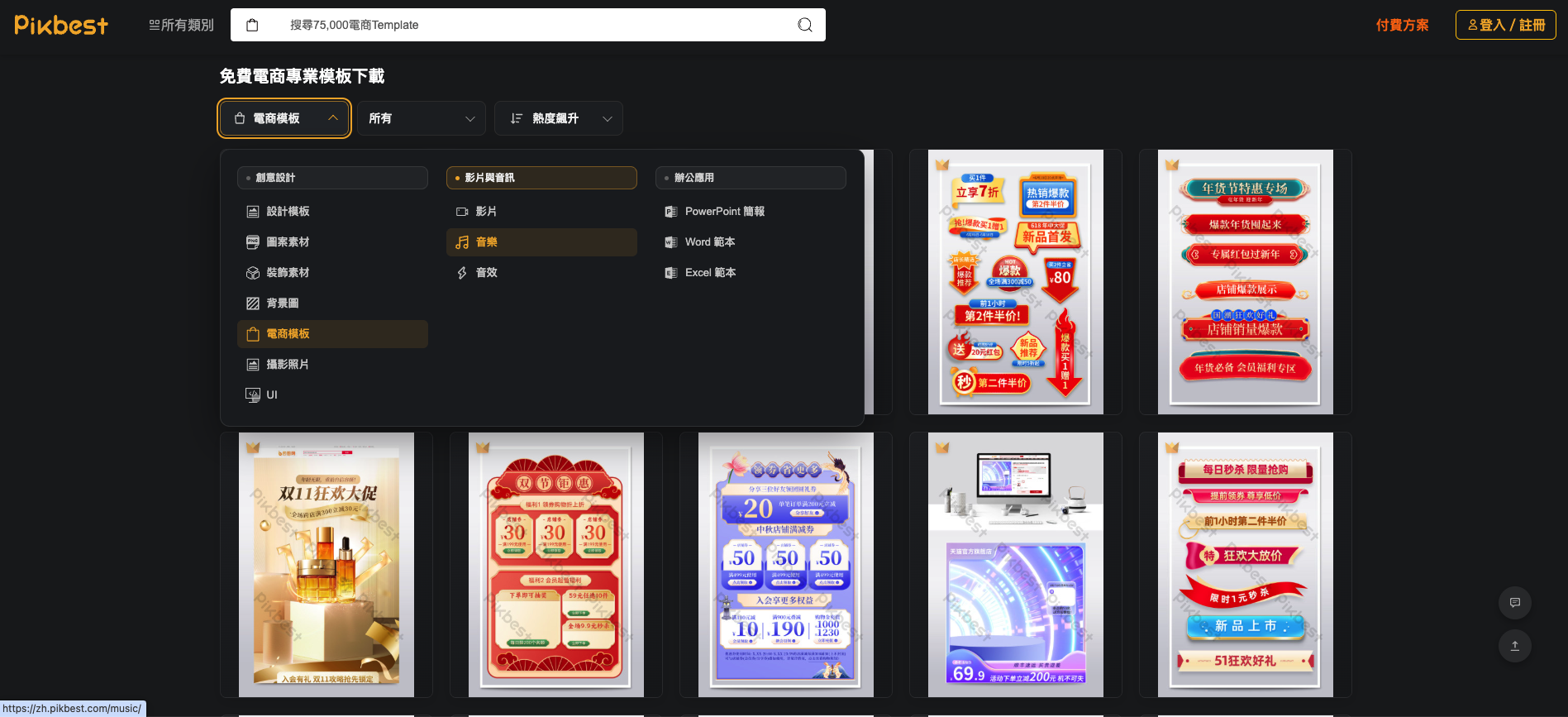
🛍️ E-commerce templates
Promo banners, Double 11 / anniversary sale layouts, product hero images — swap in your text and images and they're ready to publish. Seasonal templates (Double 11, Lunar New Year, Mother's Day) get refreshed quickly.
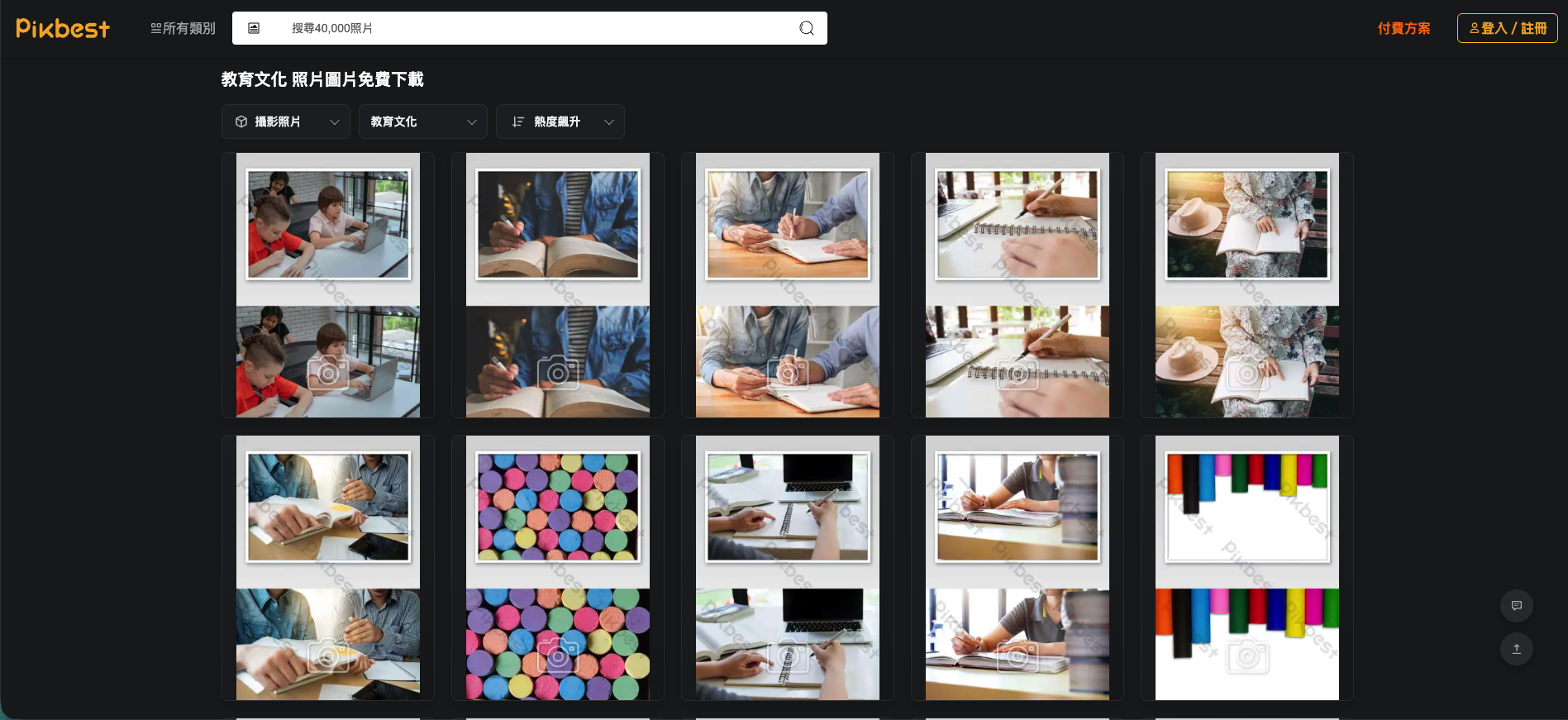
🖼️ Stock photos
40,000+ commercially licensable photos — portraits, scenes, lifestyle shots — great for blog covers and social posts.
🎵 Music & sound effects
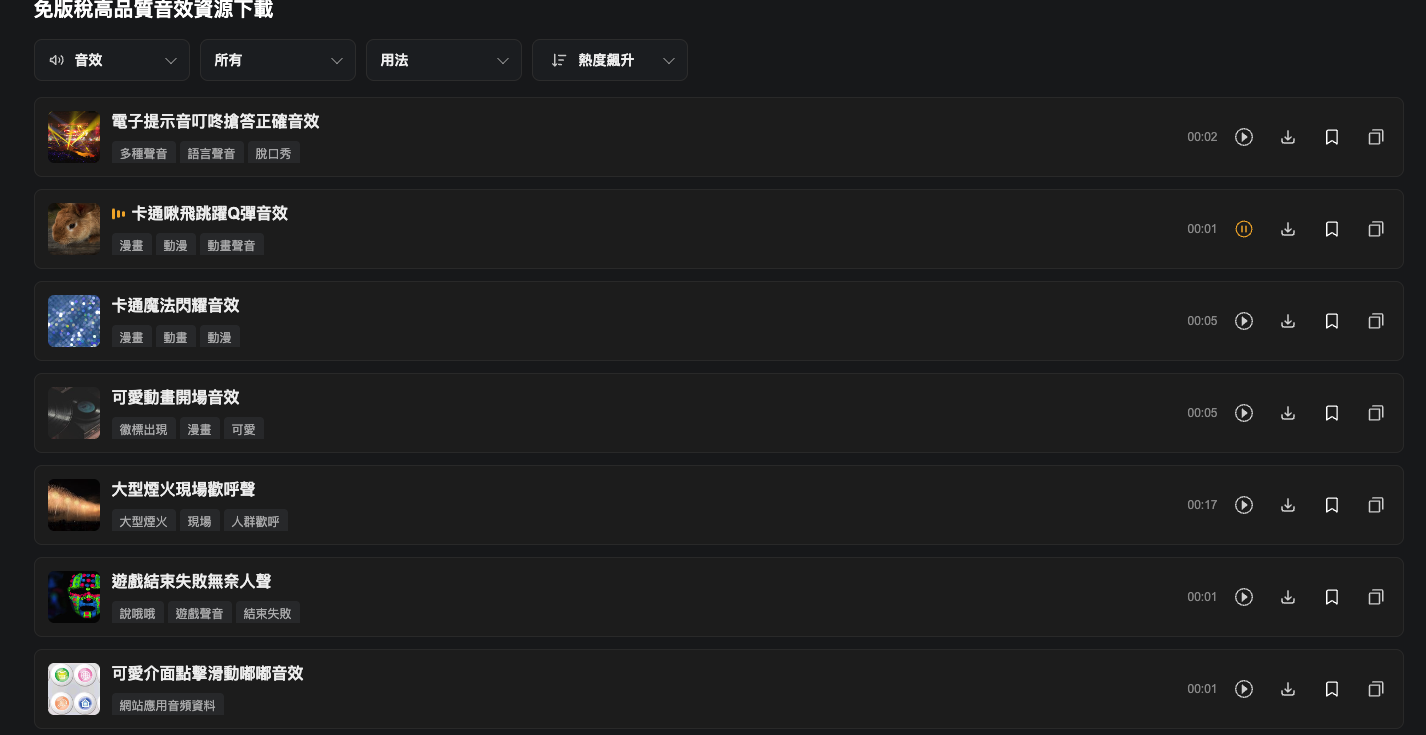
Background music, cartoon sound effects, transition sounds — useful for short-form video and ad edits without hunting for licensed music elsewhere. Every clip is previewable before download.
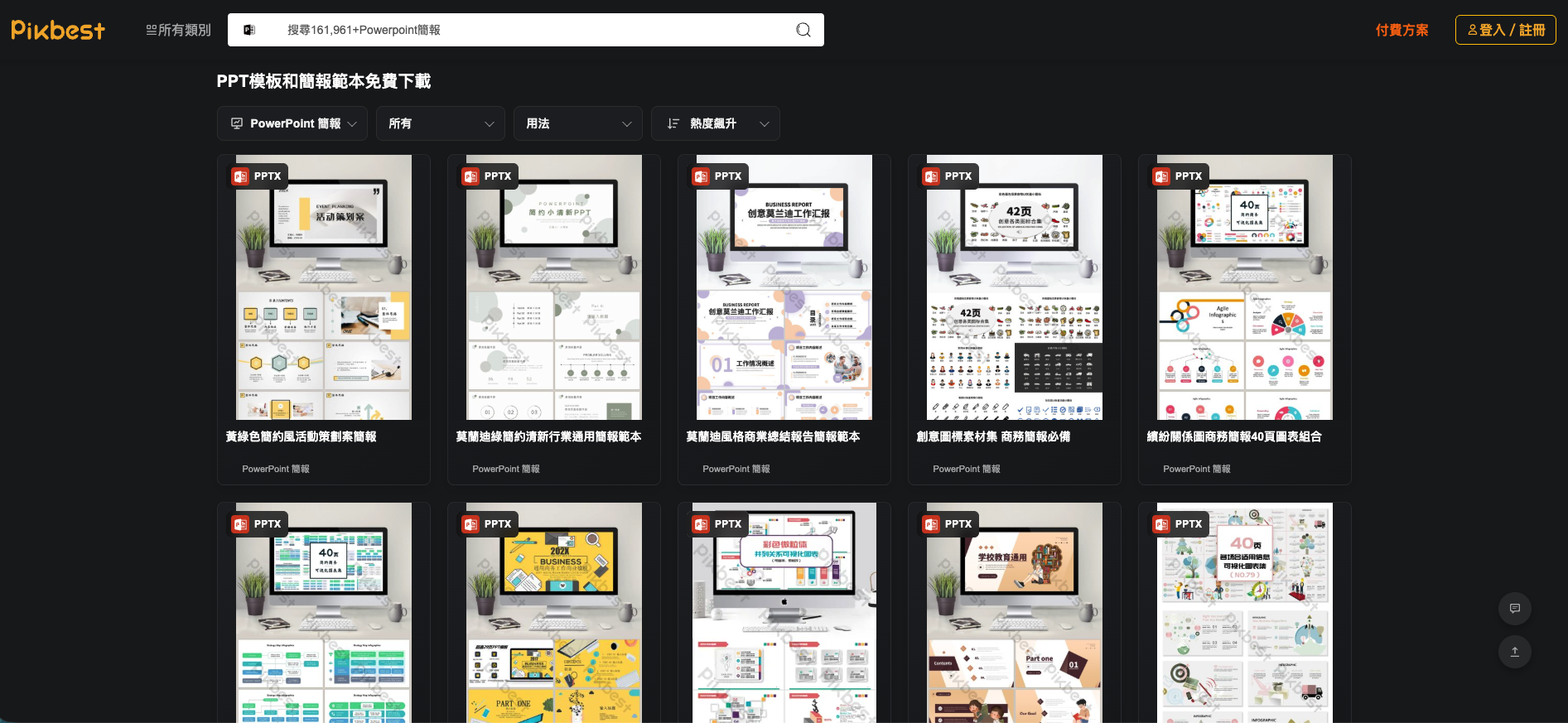
📊 PowerPoint / Word / Excel templates
Pitch decks, report templates, attendance sheets — solid-looking business templates so you're not starting from a blank slide.
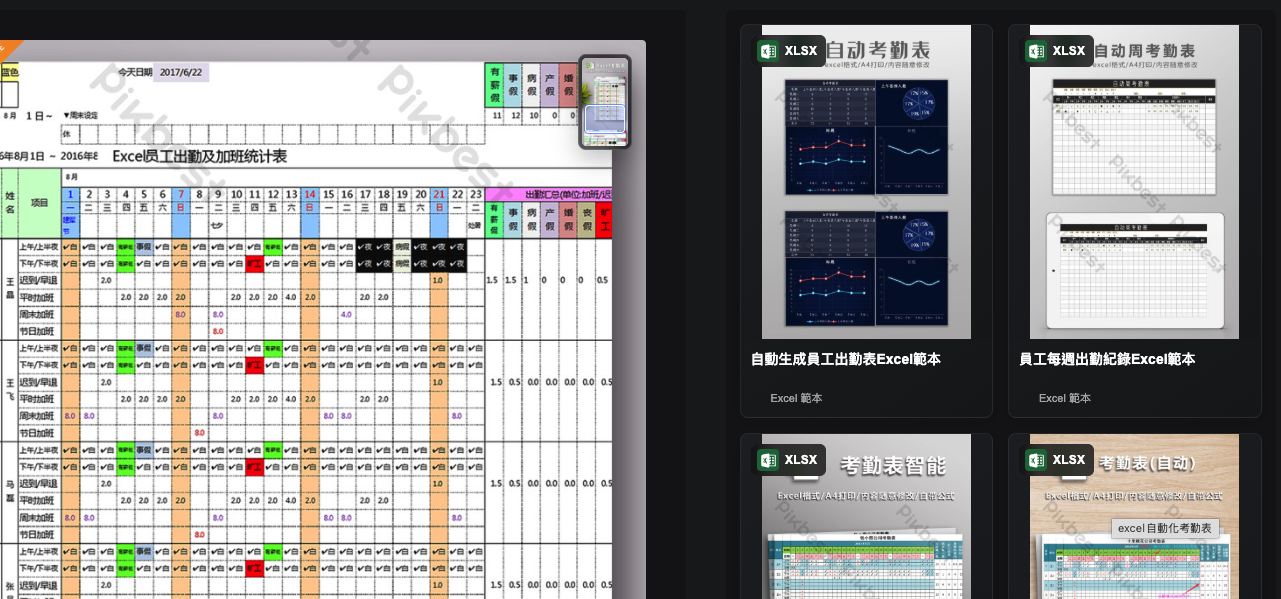
There are plenty of Excel templates too — things like automated attendance sheets and weekly time logs that offices use every day. Drop in your company's data and it's ready to go, no formulas or layout work needed.
🎬 Video editing tutorials
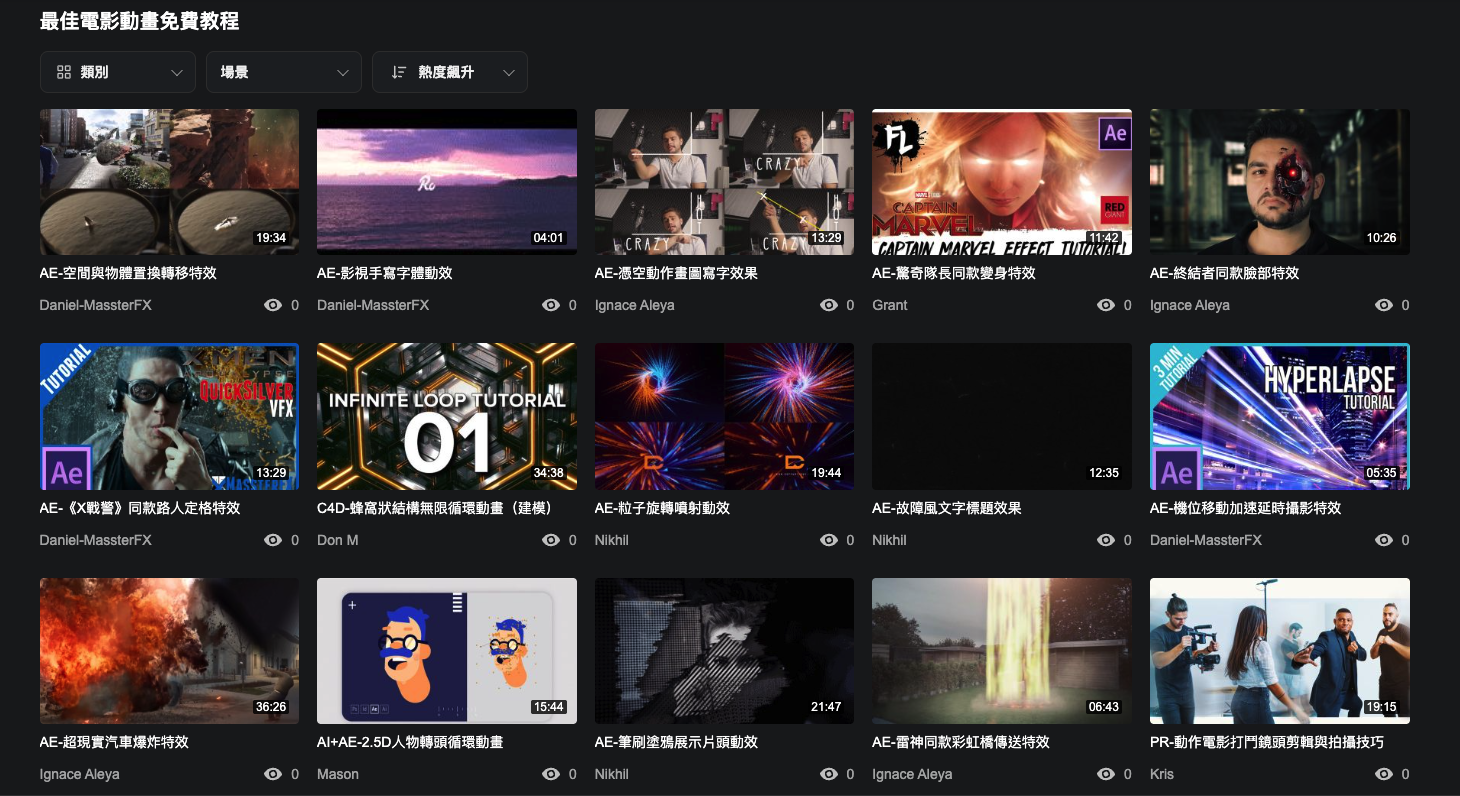
A large library of free After Effects / Premiere Pro tutorials covering transitions, animated captions, and explosion effects — friendly for anyone just starting to learn editing.
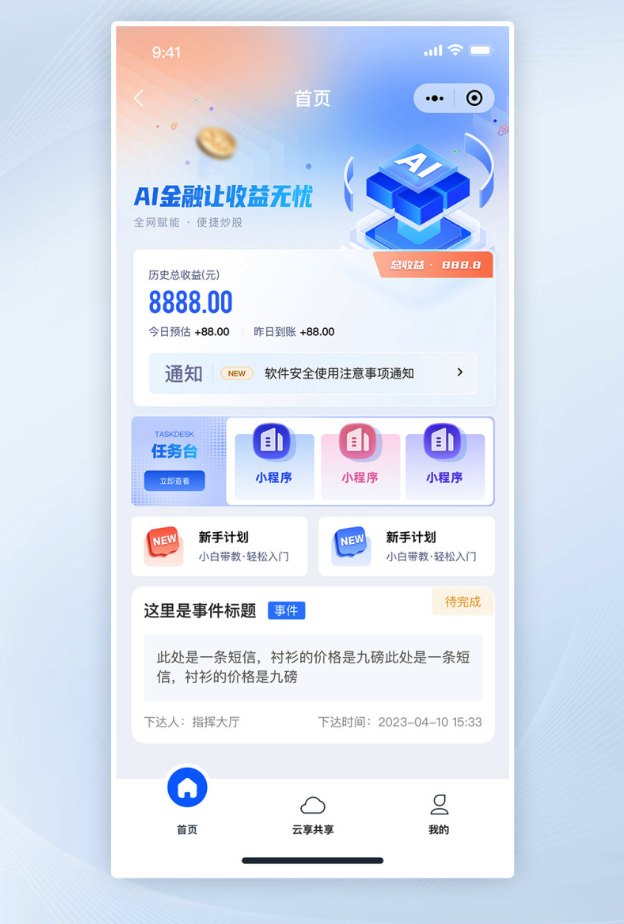
📱 UI / App interface assets
If you need an app screen mockup or a UI design draft to drop into a pitch deck, Pikbest has ready-made UI assets too — common layouts like app home screens, task lists, and finance-app interfaces, so you don't have to wireframe from scratch.
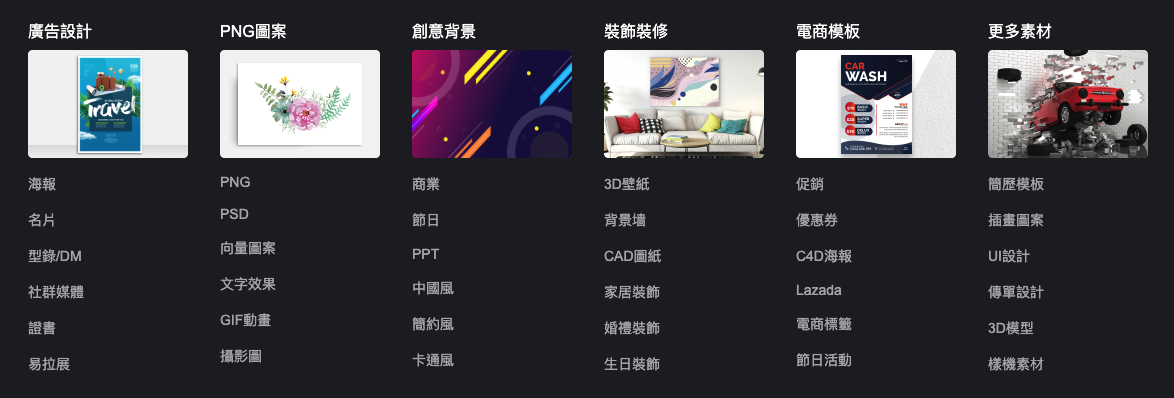
🗂️ More categories: ads, PNG graphics, backgrounds, home decor & more
Beyond the types above, Pikbest's category list actually goes pretty deep — ad design (posters, business cards, catalogs/DMs, social media graphics), PNG graphics (cutout assets, vector graphics, GIF animations), creative backgrounds (business, holiday, Chinese-style, minimalist), home decor (3D wallpaper, CAD drawings, wedding decor), e-commerce templates (promotions, coupons, C4D posters, Lazada layouts), and more. It covers pretty much every asset type you'd need for freelance/client work.
How to use it: 3 steps for beginners
- Search or browse a category: use the search bar for keywords (e.g. "e-commerce banner," "PPT," "sound effect"), or click "All Categories" top-left to browse (templates, graphics, video/audio, e-commerce templates, Office templates, photos, UI).
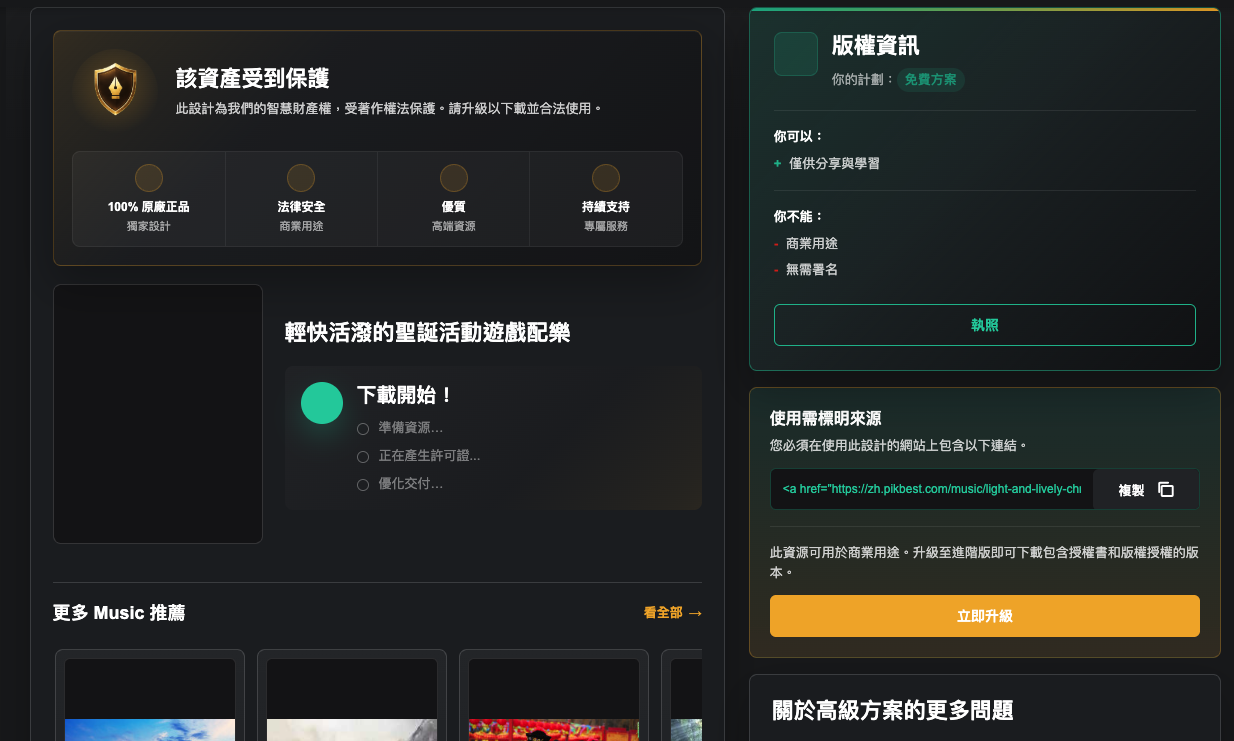
- Check the license: open any asset and look at "Copyright Info" on the right — it tells you whether it's usable on the free plan or requires a paid upgrade for commercial use, and spells out exactly what you can and can't do with it.
- Download and attribute (free plan): free-plan downloads usually require attribution — the page gives you a ready-to-copy link snippet to paste on your published work. If you need commercial use without attribution, that requires upgrading to a paid plan.
Why I recommend it
- One-stop shop: wide enough variety that you don't need ten open tabs
- Free tier actually works: you can browse and preview everything before deciding to upgrade
- Clear licensing: every asset page states exactly what's allowed, so you don't accidentally step on a copyright issue
- Fast-moving catalog: trending/rising categories make it quick to find seasonal themes (Double 11, Christmas, Mother's Day)
Bottom line
If hunting for assets and background music keeps stalling your work, Pikbest is worth trying on the free plan first — it consolidates the asset types you use most (e-commerce templates, stock photos, sound effects, PPT templates) into one place and saves a lot of tab-switching and license-checking time.
Disclosure: this post contains my Pikbest affiliate link. If you sign up or upgrade through it, I may earn a commission at no extra cost to you — this doesn't affect the opinions or instructions shared above.
